🔌 Ethernet Cable Types Explained: Choose the Right One
A complete guide to Ethernet cable categories, speeds, and how to choose the right cable for your network.
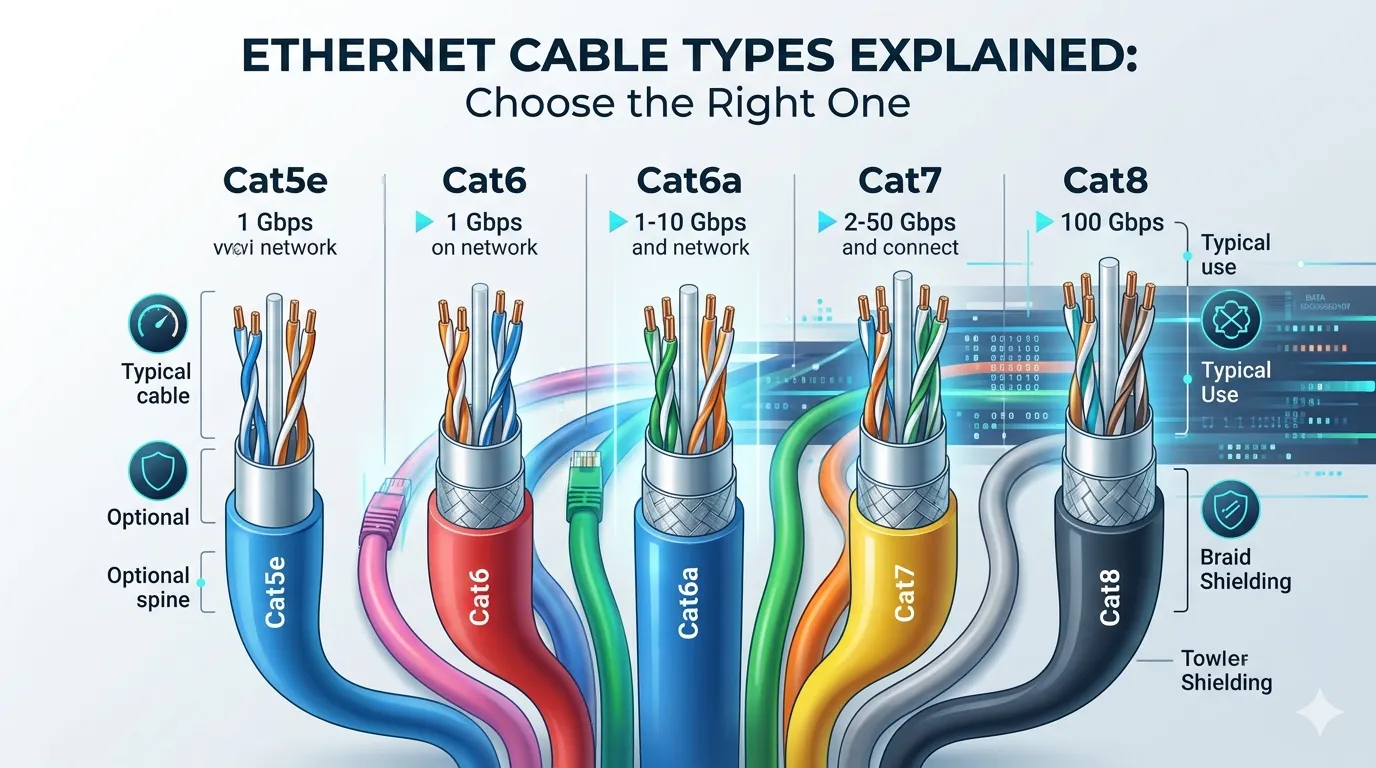
🔌 Ethernet Cable Types Explained: Choose the Right One
When setting up a network, most people focus on internet speed or routers—but the Ethernet cable you use also plays a critical role in performance.
Not all Ethernet cables are the same. Different categories support different speeds, frequencies, and use cases.
Let’s break it down 👇
🧠 What is an Ethernet Cable?
An Ethernet cable is a wired connection used to link devices like:
- Computers 💻
- Routers 📡
- Switches 🔀
- Gaming consoles 🎮
👉 It provides stable, low-latency communication compared to Wi-Fi.
📊 Ethernet Cable Categories (Cat)
Ethernet cables are classified into categories (Cat), each with different capabilities.
🟢 Cat5 (Category 5)
- Speed: up to 100 Mbps
- Frequency: 100 MHz
👉 Outdated and rarely used today.
🔵 Cat5e (Enhanced)
- Speed: up to 1 Gbps (1000 Mbps)
- Frequency: 100 MHz
👉 Most common and affordable option for home networks.
🟡 Cat6
- Speed: up to 10 Gbps (short distances)
- Frequency: 250 MHz
👉 Better performance and reduced interference compared to Cat5e.
🟠 Cat6a (Augmented)
- Speed: up to 10 Gbps
- Frequency: 500 MHz
👉 Ideal for offices, gaming setups, and high-performance networks.
🔴 Cat7
- Speed: up to 10 Gbps
- Frequency: 600 MHz
👉 Comes with better shielding, but less common for home use.
🟣 Cat8 (Latest Generation)
- Speed: up to 25–40 Gbps
- Frequency: 2000 MHz
👉 Designed for data centers and high-end networking.
🧵 Types of Shielding
Ethernet cables also differ by shielding, which protects against interference.
UTP (Unshielded Twisted Pair)
- No shielding
- Cheaper and flexible
👉 Best for home use.
STP (Shielded Twisted Pair)
- Extra shielding to reduce noise
- More durable but expensive
👉 Best for industrial or high-interference environments.
📏 Cable Length Matters
- Maximum recommended length: 100 meters
- Longer cables = signal loss and reduced speed
👉 For long distances, consider using switches or fiber optics.
🎯 How to Choose the Right Cable
Here’s a quick guide:
- 🏠 Home use → Cat5e or Cat6
- 🎮 Gaming / Streaming → Cat6 or Cat6a
- 🏢 Office / Heavy usage → Cat6a or Cat7
- 🧠 Future-proof setup → Cat6a or Cat8
⚖️ Ethernet vs Wi-Fi
| Feature | Ethernet 🔌 | Wi-Fi 📡 |
|---|---|---|
| Speed | Faster & stable | Can fluctuate |
| Latency | Low | Higher |
| Reliability | Very high | Medium |
| Mobility | Limited | High |
👉 If you want maximum performance, Ethernet is the way to go.
🧠 Final Thoughts
Choosing the right Ethernet cable can significantly improve your network performance.
✔ Cat5e is enough for basic use
✔ Cat6/6a is the sweet spot for most users
✔ Higher categories are for specialized needs
👉 A small upgrade in cables can make a big difference in speed, stability, and reliability.
💡 Pro Tip:
Even with a fast internet plan, using a low-quality cable can bottleneck your connection. Always match your cable to your network speed.